Big Walk Low FPS, Stuttering and Performance Fixes
The official graphics-setting order for low frame rates, plus driver, background-network and connection checks for jittery players.
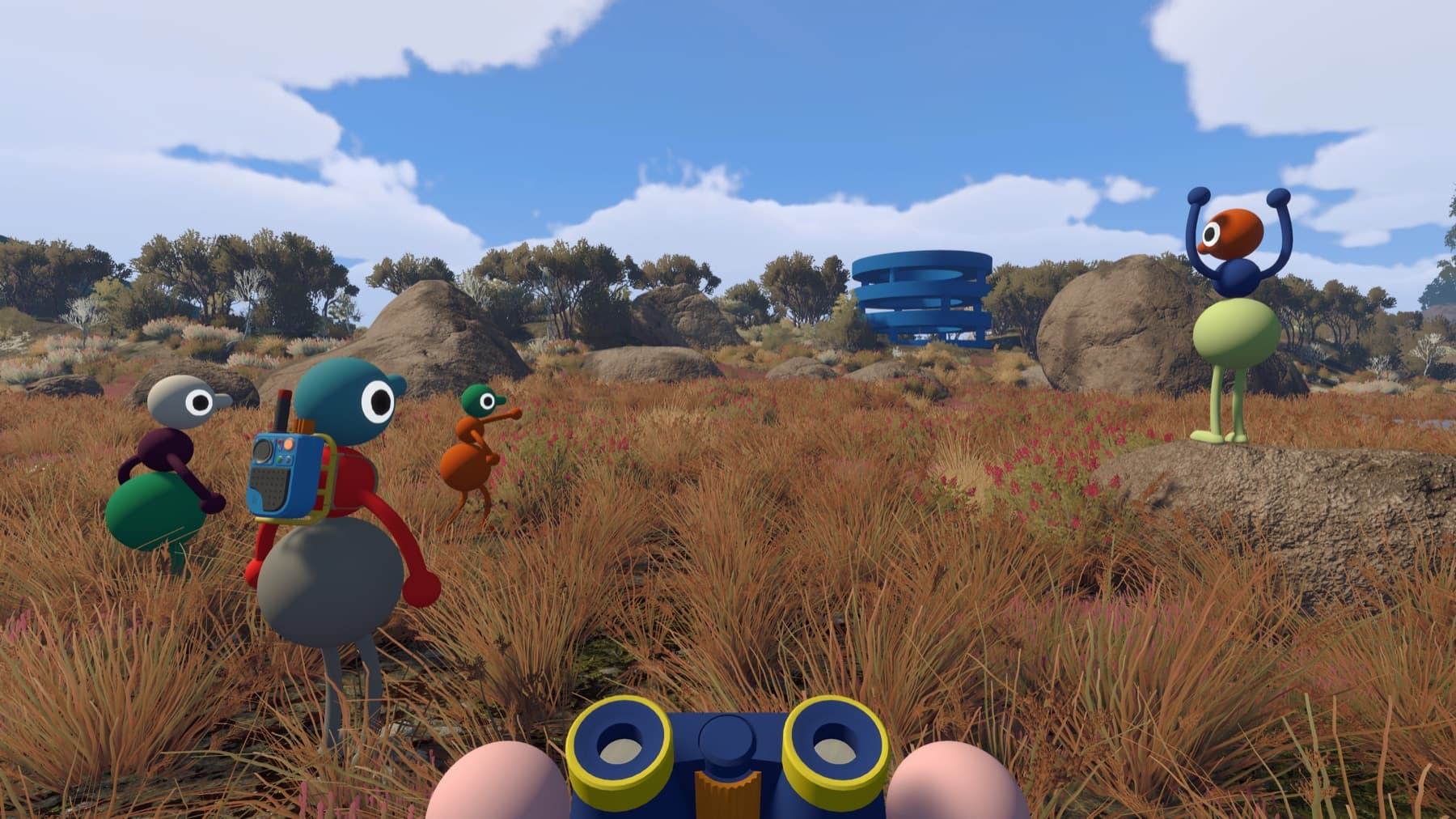
Improve frame rate in the right order
- Open Settings → Graphics and lower Render Scale.
- Lower the overall Quality setting to reduce CPU and GPU load.
- Test in the same demanding outdoor area.
- Raise Render Scale one step at a time until image clarity and stable performance are balanced.
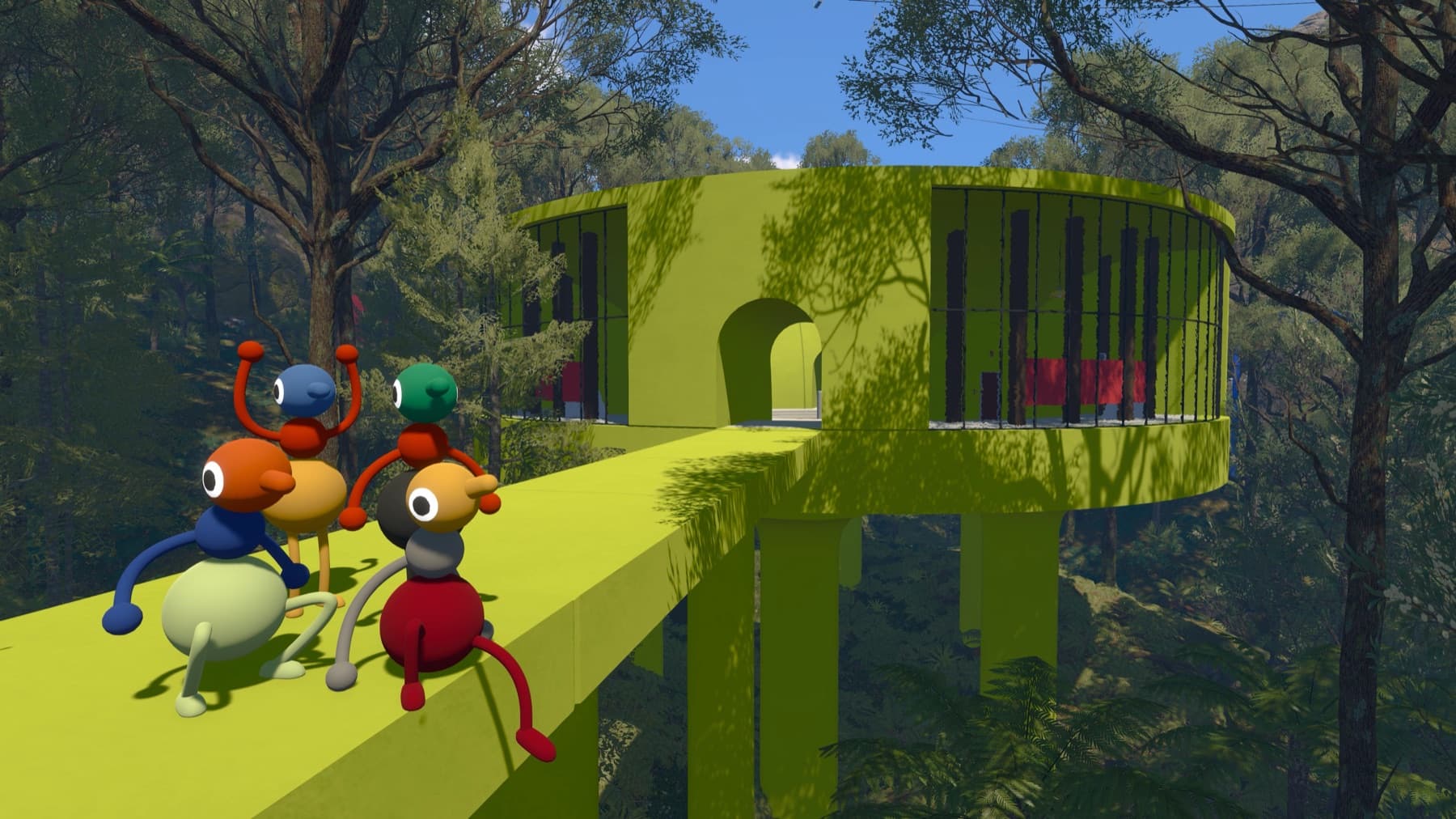
Missing water or broken scenery
Update the operating system and graphics drivers. House House specifically notes that missing world elements such as the ocean can be a graphics-driver issue.
Players move erratically but your FPS is fine
That is more likely network jitter. Stop downloads and streams, move closer to the router or use Ethernet. The host should also check connection warnings in the lower-left corner. If nobody can connect, verify every device's system clock.
Audio cuts out while the game struggles
Performance trouble can also interrupt audio. Stabilize graphics settings first, then retest sound before changing microphones or reinstalling the game.
If only the Low preset is stable
Some PC players report very large drops when moving above the Low quality preset even after lowering Render Scale. If the official setting order does not help, record the busy area, preset, resolution, GPU, driver version and frame-rate range. That is more useful for a bug report than repeatedly changing every setting at once.
Do not confuse network jitter with low frame rate. If your own camera is smooth but other players skip or teleport, follow the network checks instead.
Sources checked
- Official Big Walk FAQ — render scale, quality, driver and network guidance
- Launch-week PC performance report — example of severe preset-specific frame-rate drops