How Big Walk Saves Progress: Host Saves Explained
Understand autosave, who owns a Big Walk world, how to continue later and what happens when the host leaves.
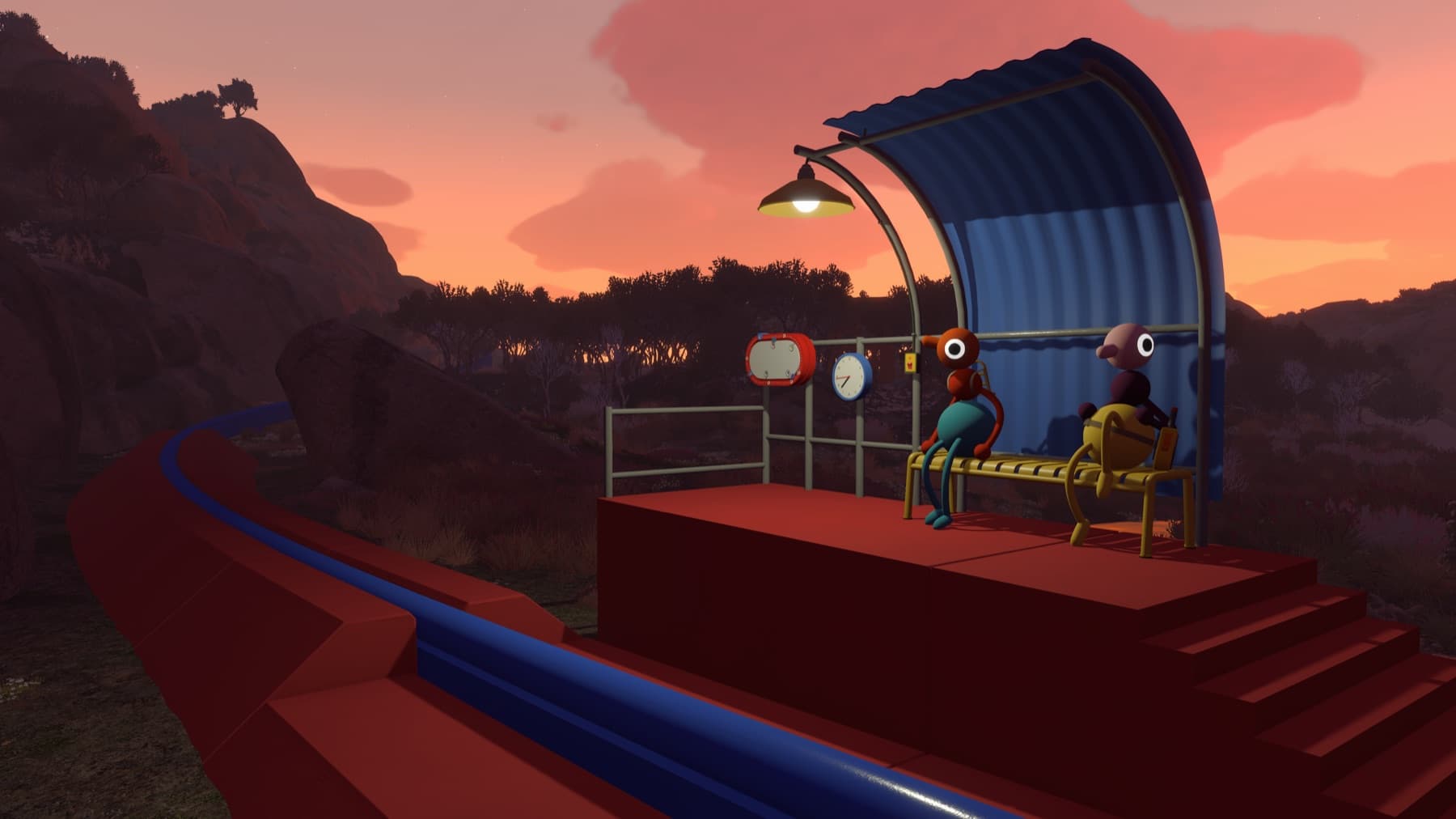
Who owns the save?
The host keeps the shared world and its progress. Guests contribute while connected, but they cannot independently reopen that same journey later. Pick a host who can attend future sessions before the group invests hours in a world.
Does the game autosave?
Yes. The official FAQ says host progress is saved automatically. You do not need a manual save command before leaving.
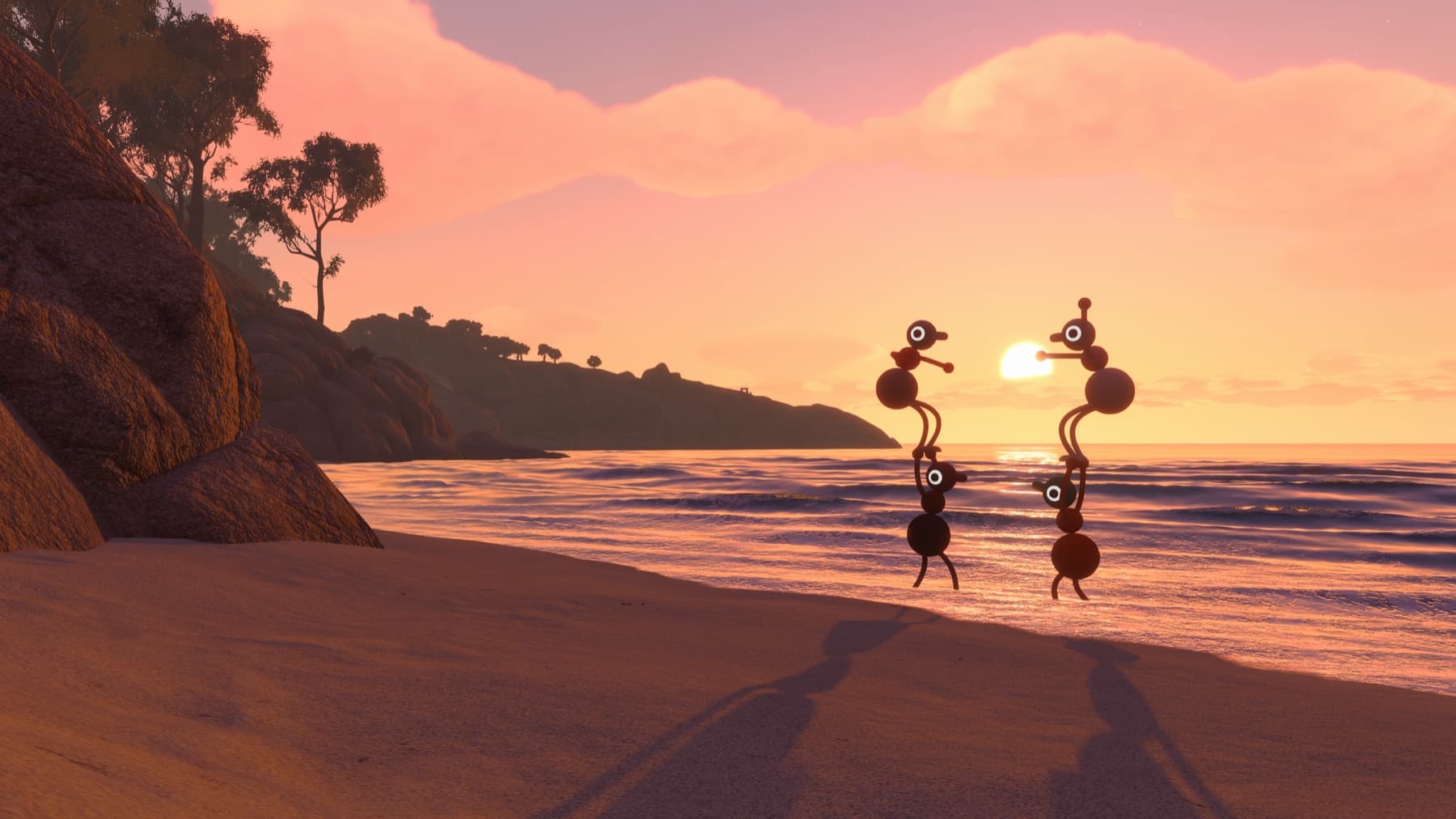
How to continue next session
- The original host opens Big Walk and loads the continuing world.
- Wait until the host character has entered the world.
- Guests join from the friends list or use the newly generated Join Code.
- Confirm that completed towers and returned rewards match the previous session before moving on.
What if the host leaves?
The session closes and all guests disconnect. Another player cannot take over the save mid-session. If the host only needs a short break, avoid ending the session unnecessarily.
Can a different player become host?
Official documentation does not describe save transfer or cross-progression between hosts. Assume the original host is required unless House House adds a supported migration feature later.
Steam Cloud is not host transfer
The Steam version lists Steam Cloud support. That can help the same Steam account access its own host save on another compatible computer, but it does not make every guest an owner of the shared world. Do not promise that another player can continue the campaign simply because Steam Cloud is enabled.
If progress appears missing
Before assuming the save is deleted, confirm that the original host selected the same world and that everyone waited for that host to load before joining. Check one known tower unlock and one submitted reward. Personal achievements on a guest account are not proof that the guest owns a copy of the world.
Sources checked
- Official Big Walk FAQ — autosave and host ownership
- Steam store page — Steam Cloud availability and current platform features