Big Walk Button Room Puzzle
Why a Big Walk room can show too many buttons, how world-size scaling works and how the host can reload the correct 2, 3 or 4+ player variant.
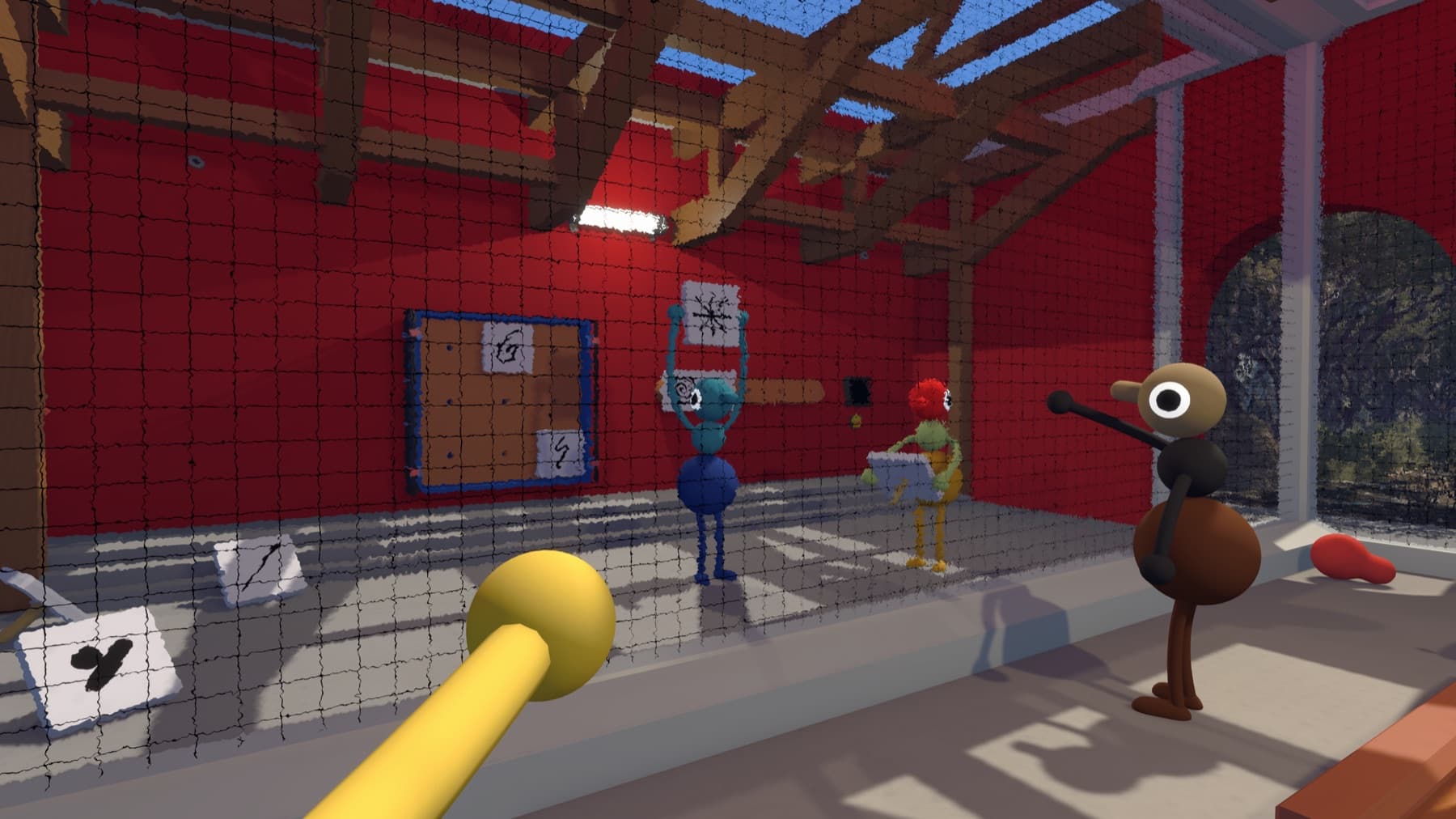
Why there are too many buttons
Big Walk configures some cooperative puzzles around the number of players selected when the host creates the session. The setting can be wrong even when the correct number of people actually joined.
Will you lose your items?
Hold the items you want to keep before restarting. They should appear at the starting area's Lost and Found when the corrected session begins.
How to confirm the fix
Return to the room with the corrected session size and count the simultaneous positions again. The number of required players should now match the world variant. If it does not, confirm the host actually recreated the session instead of reopening the old one.
World size is not the lobby limit
A 2-player, 3-player or 4+ selection changes certain challenge layouts; it does not prevent extra friends from joining the session, up to the 12-player maximum. Choose the smallest number of players who can reliably attend every continuation session.
If a large launch group chose 4+ and only three people remain later, switching the active session configuration is safer than searching the room for a hidden fourth control. The puzzle is reading the host's selected world variant, not the number of characters currently standing nearby.
Sources checked
- Official Big Walk FAQ — adaptive 2-player, 3-player and 4+ world selection