Big Walk Join Code Not Working: Fixes in Order
Make sure the host has loaded into the world, the first two version numbers match and every system clock is correct. Then restart the game and use the current session code.
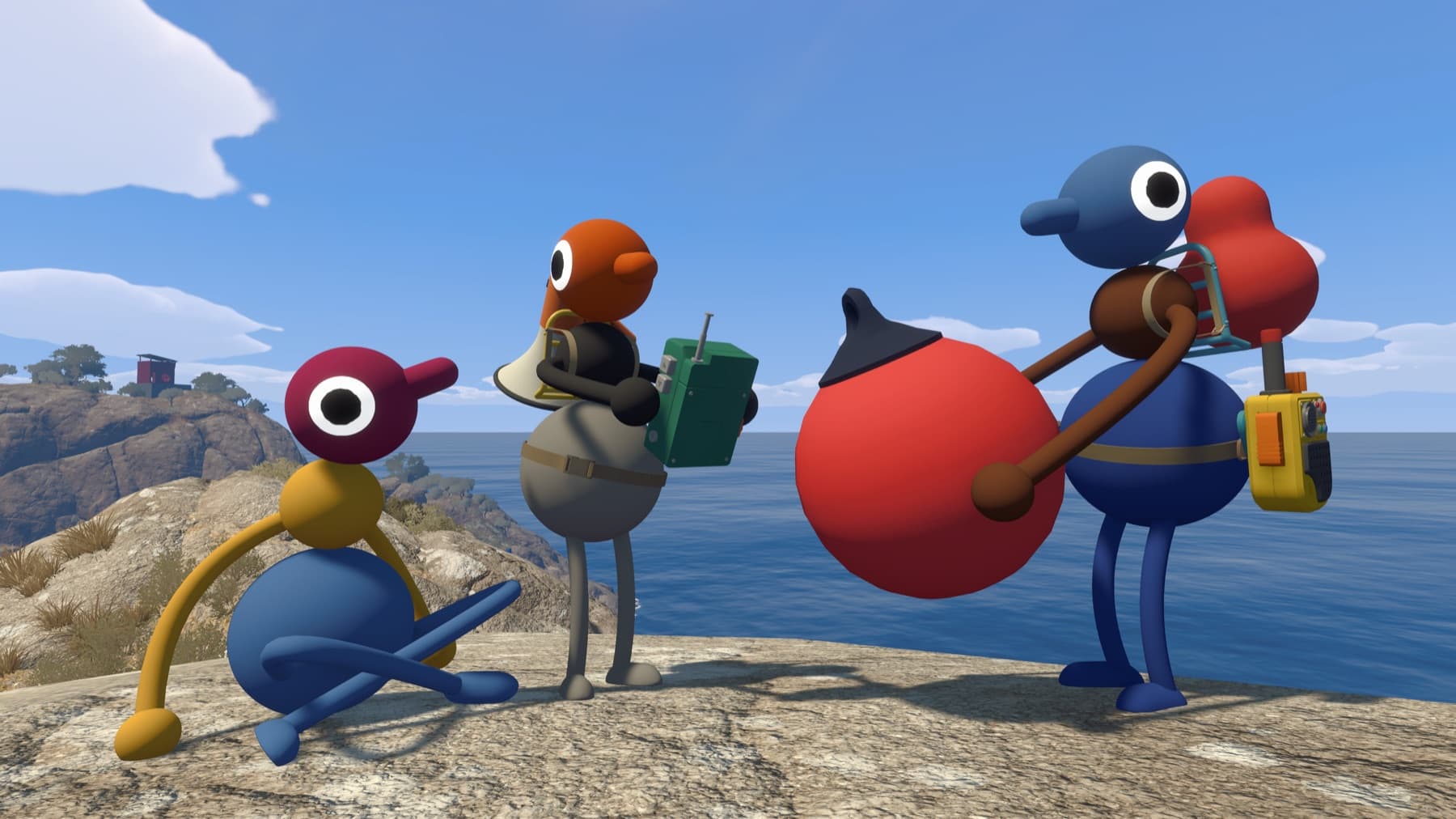
The useful answer
Make sure the host has loaded into the world, the first two version numbers match and every system clock is correct. Then restart the game and use the current session code.
Step by step
- Host loads fully into the save before sharing the code.
- Compare version numbers on both clients.
- Synchronize date, time and timezone automatically.
- Restart the game and create a fresh code.
Why players get stuck here
Most “wrong code” reports are actually session-state, version or clock problems. A code copied before the world is active may not connect.
Check the error in this order
- Nothing happens: confirm the host has pressed Start and loaded their character into the world.
- The code is rejected: ask for the current code from Session Details; codes change when a host restarts.
- Connection times out: compare the first two version numbers and set every device clock to automatic.
- Only cross-platform players fail: confirm Crossplay is On in Big Walk settings on each system.
If a fresh session still fails, record the host platform, joining platform, full error text and both version numbers before contacting support.
Verify it before moving on
Change one variable at a time, then retest from a fresh session. That makes it clear which fix worked and avoids turning a connection, audio or input problem into several overlapping problems.
Related Big Walk help
Sources checked
- Official FAQ — primary fact and step cross-check