How to Play Big Walk With Friends and Use a Join Code
Create a session, find the host Join Code, invite same-platform and cross-platform friends, set a password and rejoin the correct save.
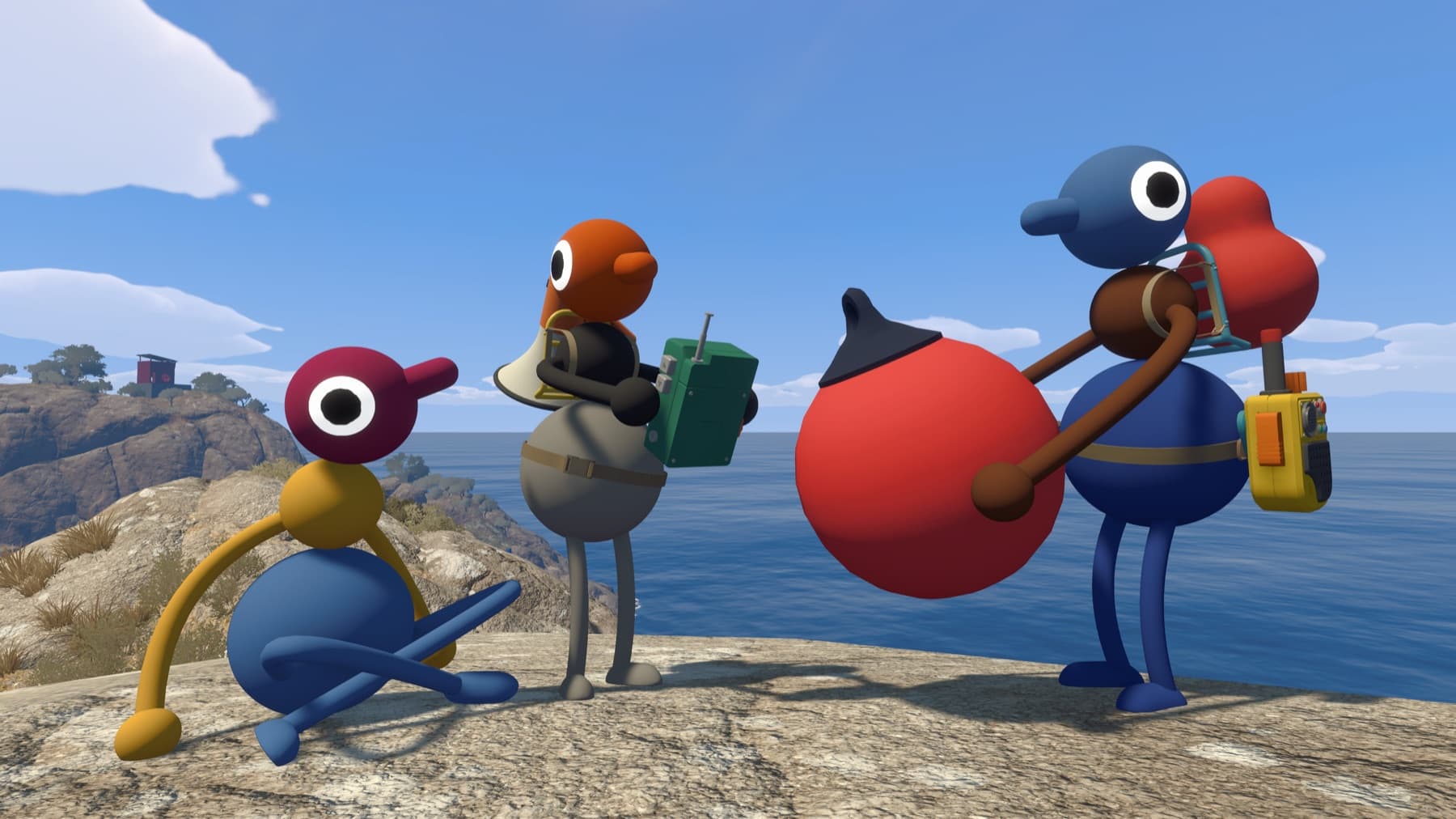
Host a new game
- Choose the person who should keep the group save.
- Start a host session and select the appropriate world size.
- Set a password if you do not want friends-of-friends joining.
- Wait until the host character is loaded into the world before others connect.
The host is not just a lobby leader: their device keeps the shared progress. Use the same host next time.
Join from the same platform
If the host appears on your Steam, PlayStation or Nintendo friends list, their active game should appear in the friend-games menu. The Mac App Store version does not use Game Center for this list, so use a Join Code there.
Join with a code
The host's code appears in the corner of the host menu before play. After starting, open Menu → Session Details. Send that short code privately to the group, then joining players enter it from the Join Game screen.
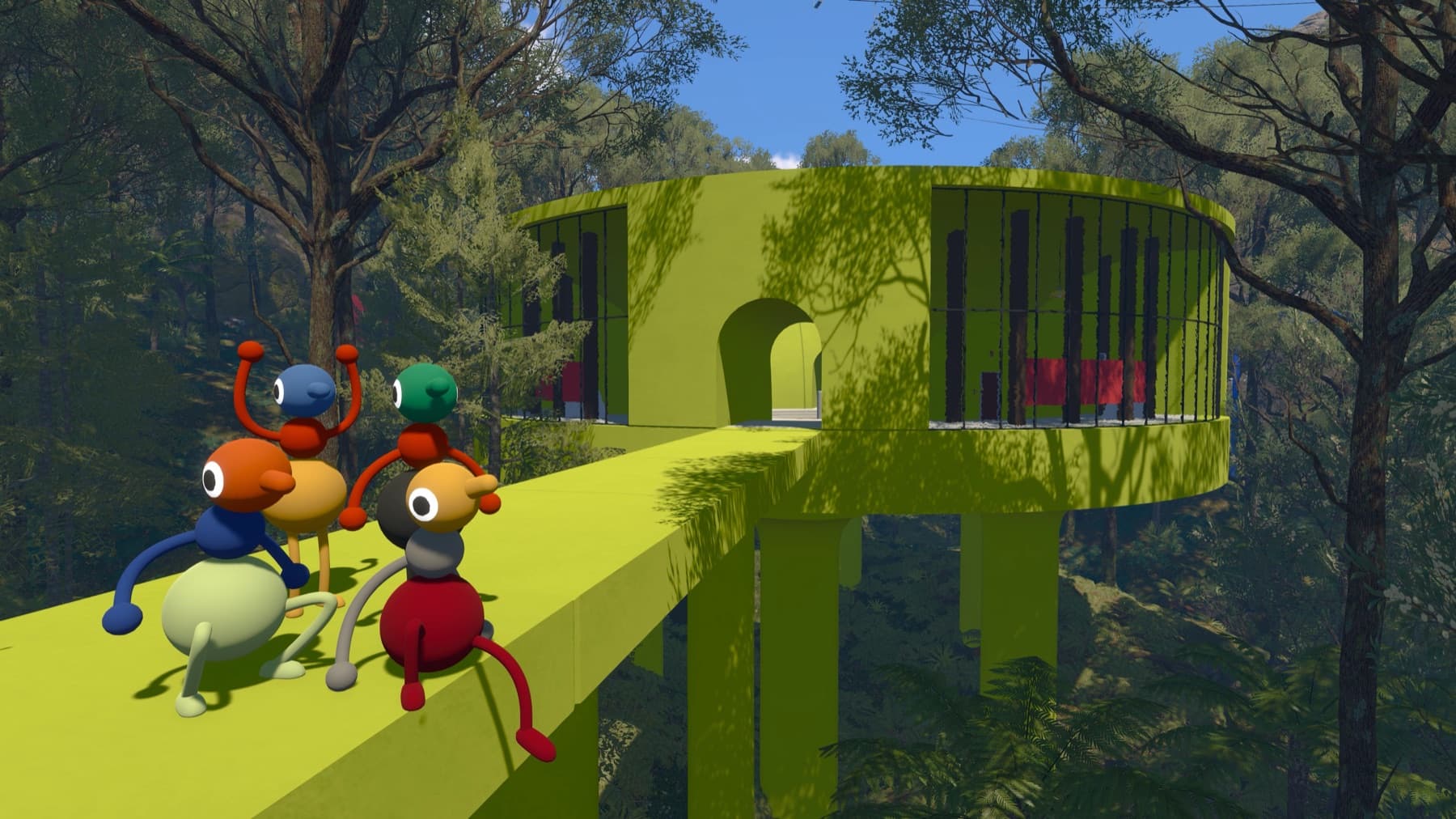
Protect the session
Anyone who knows the code can try to join. The session may also be visible to friends of players already inside. Use a password for a controlled group, and never display a live code or password on stream.
If the code stops working
Join Codes are generated when the host starts a session. If the host closes the game and starts again, ask for the new code. Also confirm the first two numbers of everyone's version match. For the full troubleshooting order, use Join Code not working.
Need people to invite?
Big Walk has no random matchmaking. Browse or post a short-lived listing on Find Players without creating an account.
Sources checked
- Official Big Walk FAQ — friends list, Join Codes, passwords and host behavior
- GAMES.GG friend guide — menu flow cross-check