How to Use a Big Walk Join Code
The host must enter the world first, then share the active session code. Other players choose Join Game and enter that code while running a matching game version.
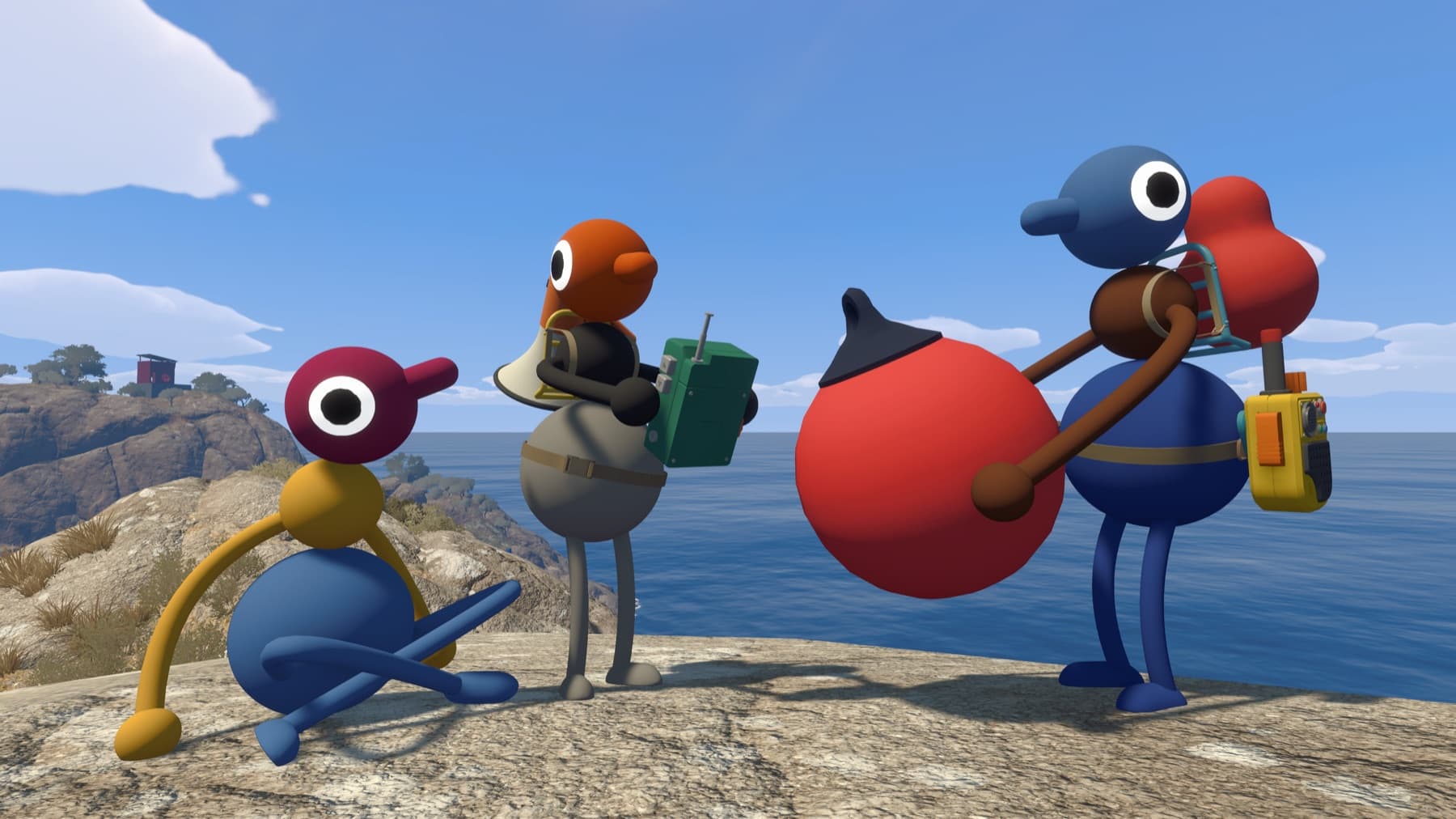
The useful answer
The host must enter the world first, then share the active session code. Other players choose Join Game and enter that code while running a matching game version.
Step by step
- Have the host load the save fully.
- Open the active session information and copy the code.
- Enter it from Join Game.
- If it fails, compare the first two version numbers and system clocks.
Why players get stuck here
Codes are session access details, not permanent group identities. Do not leave a live code on a public page longer than necessary.
Where the code appears
Before launch, the code is shown in the corner of the host menu. After the character has loaded into the world, the host can reopen the in-game menu and choose Session Details. A new host session generates a new short code, so a screenshot or post from an earlier session may be stale.
Anyone who knows the current code can attempt to join; add a password when the roster should stay private.
Verify it before moving on
Before inviting everyone, agree on the host, world size, voice or text preference and the next session time. Those four details prevent most groups from losing progress or creating a world they cannot continue.
Related Big Walk help
Sources checked
- Official FAQ — primary fact and step cross-check