Can You Change Host or Transfer a Big Walk Save?
Treat the original host as the owner of that world. The official guidance says the host saves progress, so do not assume another player can seamlessly continue the same island s...
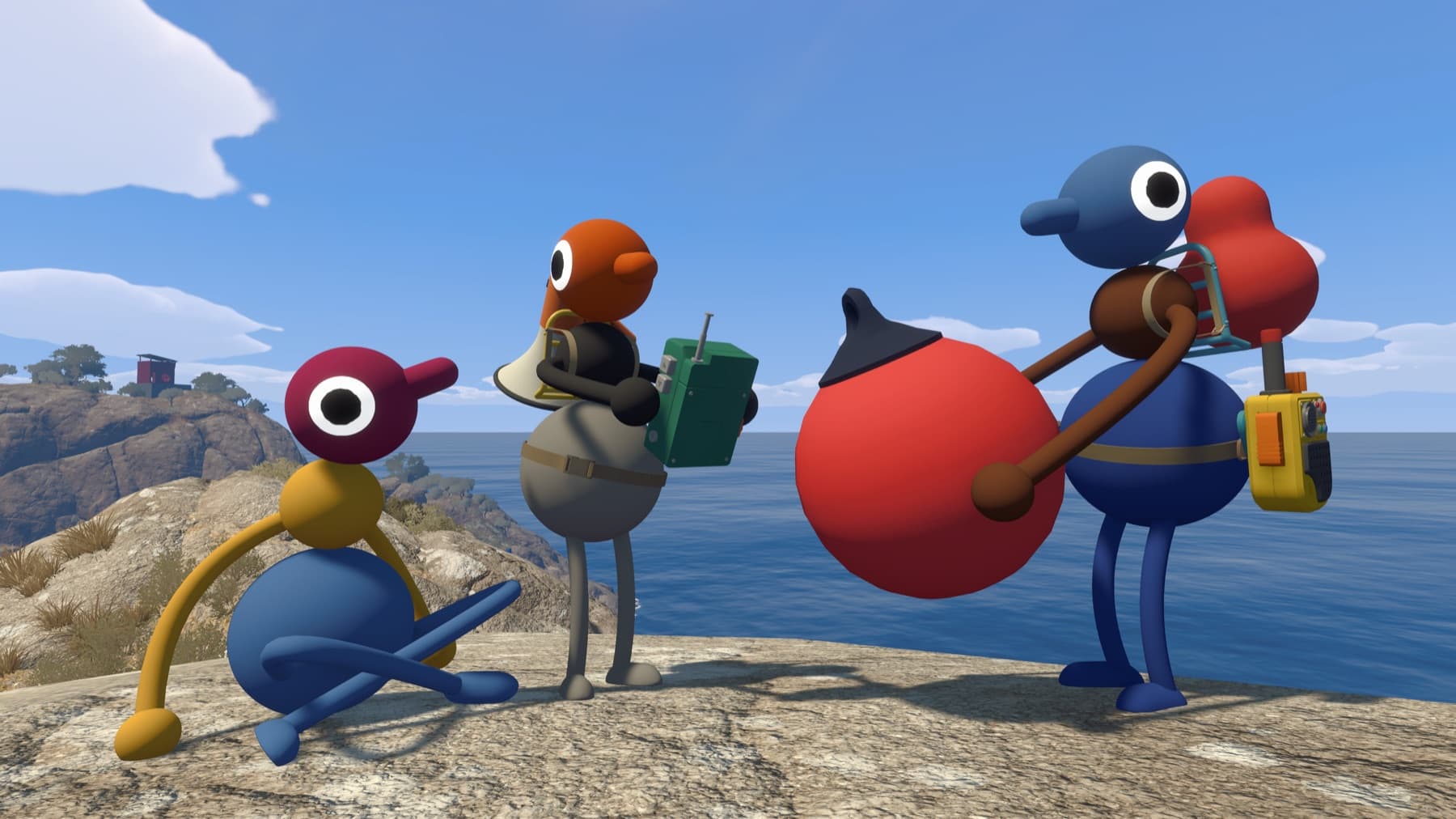
The useful answer
Treat the original host as the owner of that world. The official guidance says the host saves progress, so do not assume another player can seamlessly continue the same island state.
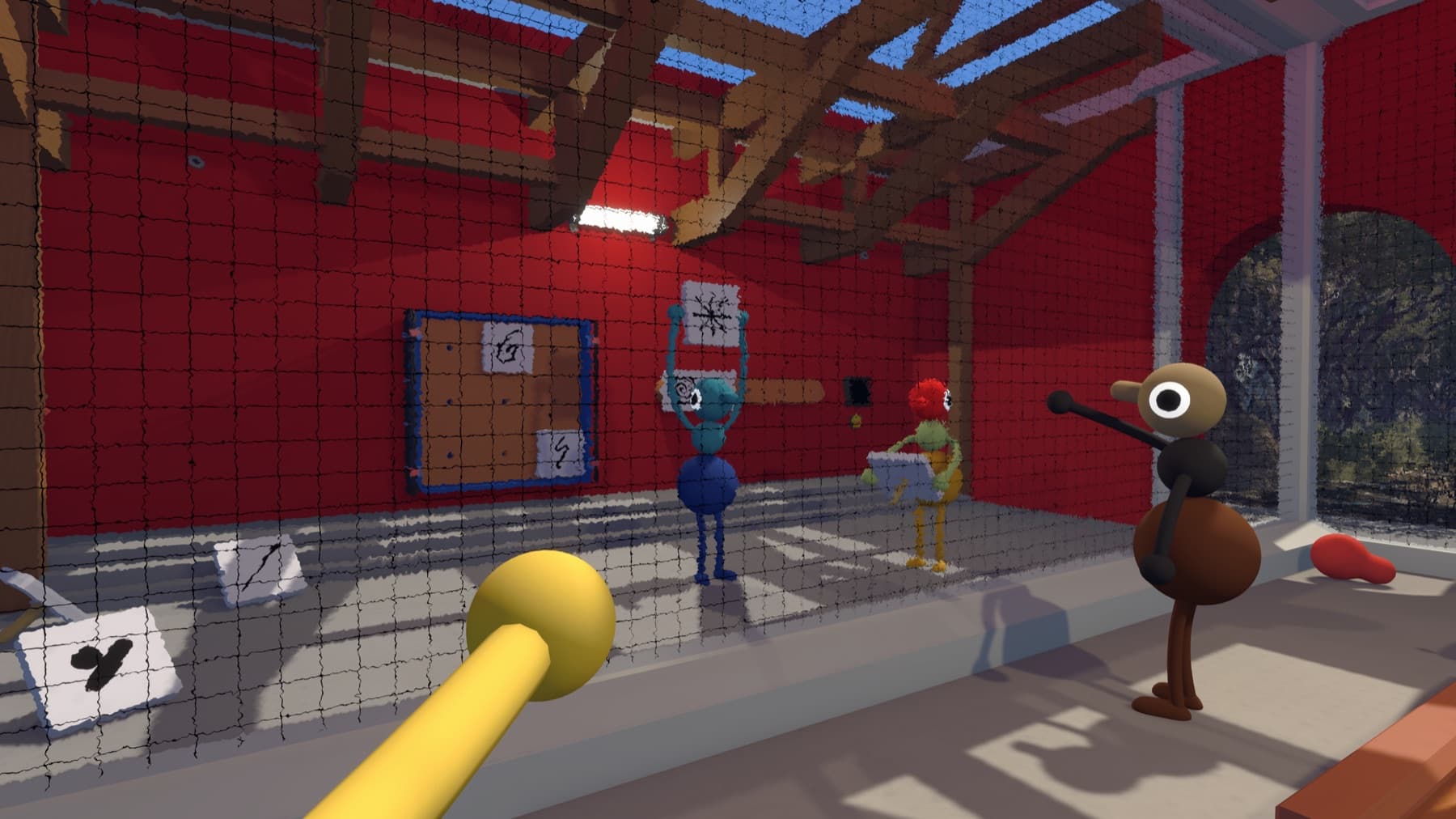
Step by step
- Keep the original host for the campaign.
- Schedule sessions around that player.
- If starting over, choose a smaller sustainable world size.
Why players get stuck here
A host change is not the same as ordinary crossplay or joining from another platform.
Plan for host absence before starting
The official FAQ promises automatic saving for the host and says that same host is needed to continue the journey. It does not document a player-facing host migration or cross-platform world-transfer feature. Choose a host whose schedule is likely to match the group through multiple sessions.
Steam Cloud may protect the host's own PC save, but that is different from giving another participant ownership of the world.
Verify it before moving on
Change one variable at a time, then retest from a fresh session. That makes it clear which fix worked and avoids turning a connection, audio or input problem into several overlapping problems.
Related Big Walk help
Sources checked
- Official FAQ — primary fact and step cross-check