Big Walk Text Chat: Range and Puzzle Restrictions
Text chat can be used through the game, but it follows the same designed distance and barrier restrictions as voice so communication puzzles still work.
The useful answer
Text chat can be used through the game, but it follows the same designed distance and barrier restrictions as voice so communication puzzles still work.
Step by step
- Enable the in-game text option.
- Test it near teammates.
- Expect range and room restrictions.
- Use gestures, lights and tools when chat is blocked.
Why players get stuck here
External chat bypasses intended communication obstacles; in-game text preserves them for players who cannot use a microphone.
Text participates in game tools
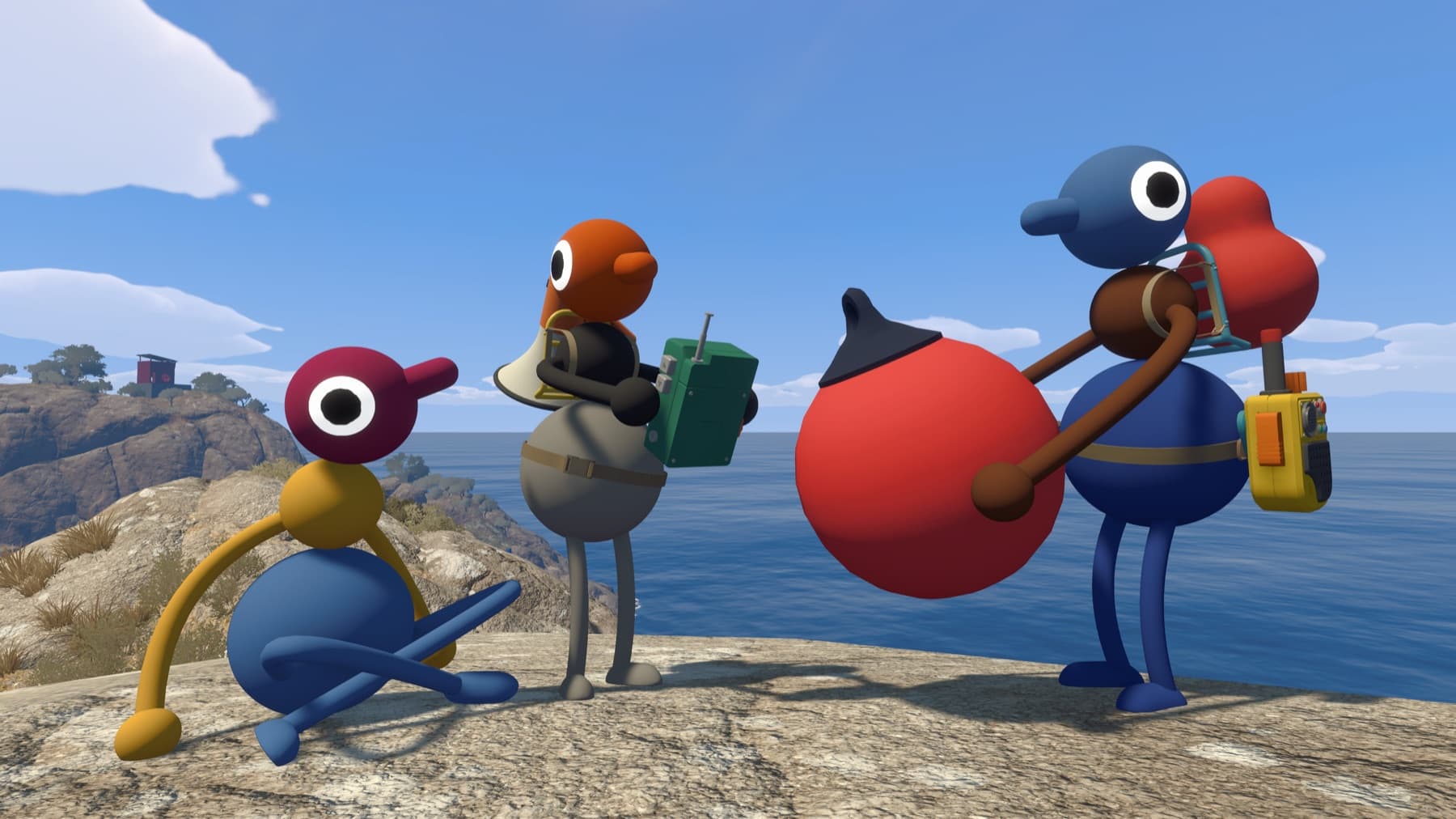
Nearby text behaves like nearby speech, and walkie-talkies extend it when the paired players separate. Soundproof barriers can hide ordinary text just as they block voices. That means a text-only group should still carry communication tools and develop visual signals.
When a message does not appear, move closer or test the relevant in-game device before diagnosing a keyboard failure. An unrestricted external chat will bypass the intended puzzle condition.
Verify it before moving on
Change one variable at a time, then retest from a fresh session. That makes it clear which fix worked and avoids turning a connection, audio or input problem into several overlapping problems.
Related Big Walk help
Sources checked
- Official FAQ — primary fact and step cross-check