How to Join Big Walk Through Steam Friends
Same-platform Steam friends can see and join an active friend session when space is available; cross-platform players should use the session code instead.
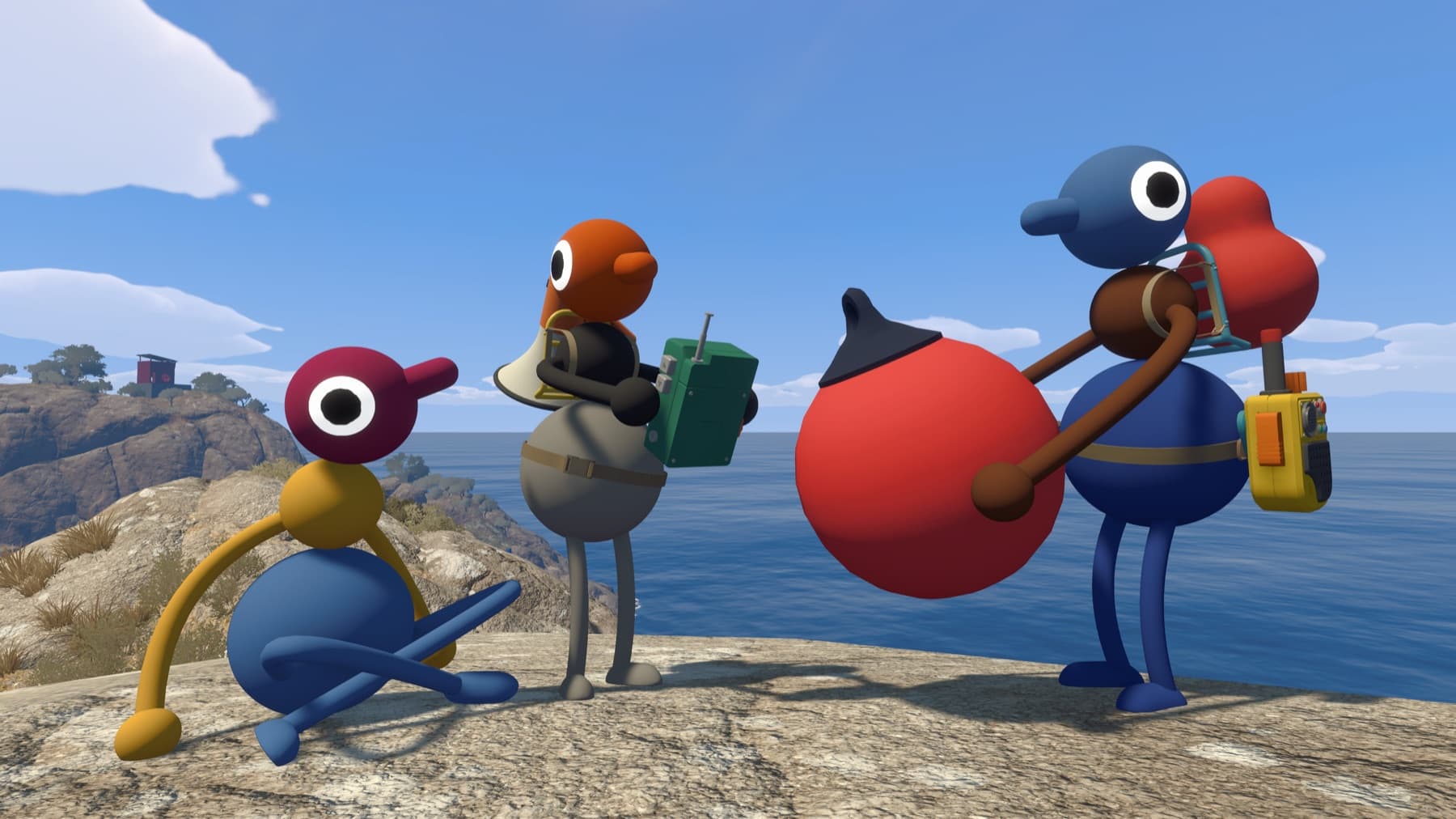
The useful answer
Same-platform Steam friends can see and join an active friend session when space is available; cross-platform players should use the session code instead.
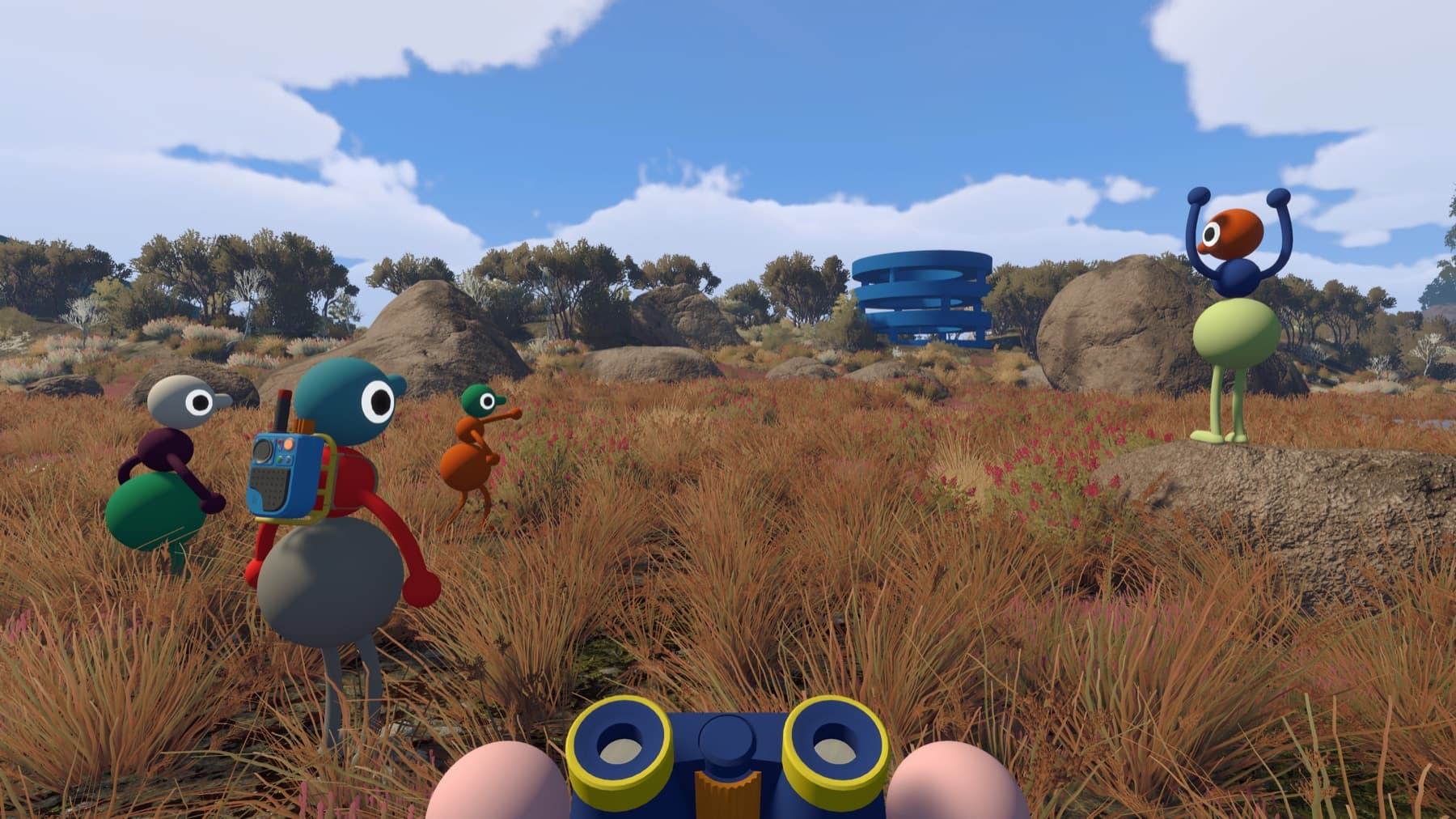
Step by step
- Add the host on Steam.
- Have the host load into the world.
- Open the in-game friends list and join the active session.
Why players get stuck here
The game’s friends view uses platform friendship. It does not create a separate permanent Big Walk account list.
If the friend session does not appear
Confirm both players are Steam friends, the host has entered the world and neither account is appearing offline. The Mac App Store edition does not use Game Center friend discovery, so it will not populate the same list. In every case, requesting the current Join Code is the fastest fallback.
Cross-platform friends should skip platform-list troubleshooting and use the code from the start.
Verify it before moving on
Before inviting everyone, agree on the host, world size, voice or text preference and the next session time. Those four details prevent most groups from losing progress or creating a world they cannot continue.
Related Big Walk help
Sources checked
- Official FAQ — primary fact and step cross-check